
n8n Expression Syntax: The Complete Cheat Sheet (2026)
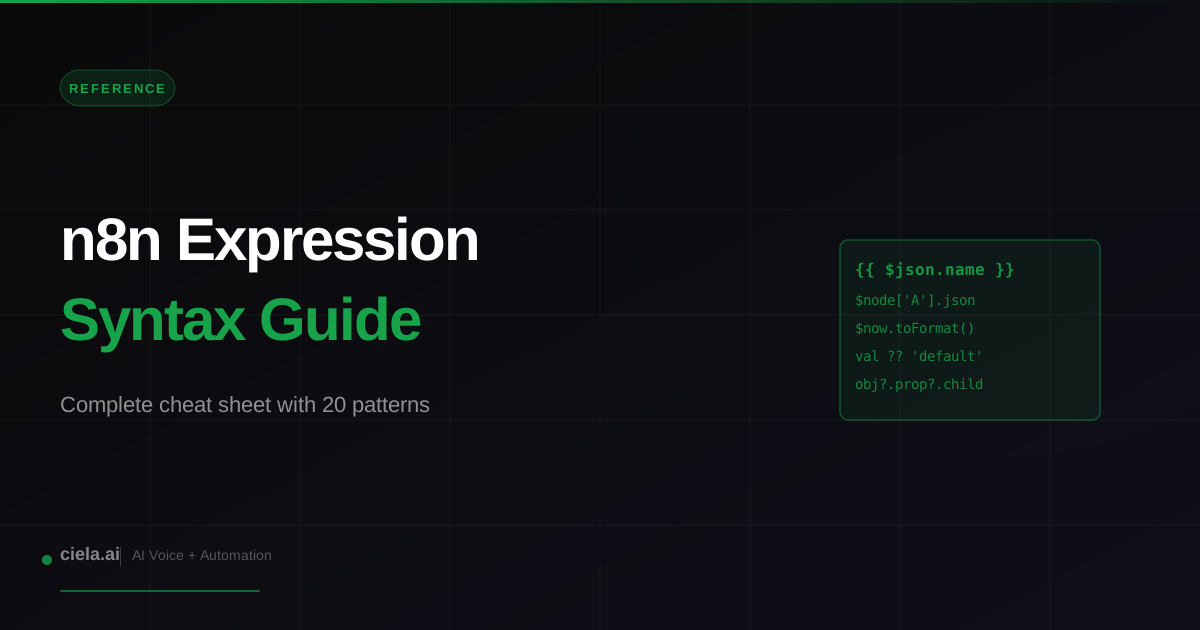
n8n expressions look like JavaScript inside curly braces, but there are enough n8n-specific variables and conventions that even experienced JS developers get tripped up. This cheat sheet covers the variables you actually use, the patterns that come up repeatedly, and the mistakes that waste the most time.
Expression Basics
Expressions in n8n are written inside double curly braces. Anywhere you see an input field with an expression toggle, you can use one. The body is JavaScript that evaluates against the current item's context. Example: returning the name field from the incoming item is a simple expression referencing $json.name.
The Core Variables
$json: the current item's data. Most common expression you will ever write. If the incoming item is { name: "Alice", age: 30 }, then $json.name returns "Alice". $node: references output from a previously-named node. $node['Webhook'].json accesses the data that came out of the Webhook node. $items(nodeName): full array of items from a specific node. $env: environment variables. $env.MY_API_KEY reads the MY_API_KEY environment variable.
$now: current datetime as a Luxon DateTime object. $today: start of today. $workflow: metadata about the current workflow. $execution: metadata about the current execution (ID, mode).
Dates with Luxon
n8n uses Luxon for date handling. $now returns a DateTime object you can manipulate fluently. $now.plus({days: 7}) returns next week. $now.minus({hours: 2}) returns 2 hours ago. $now.toFormat('yyyy-MM-dd') formats as date string. $now.toISO() returns ISO 8601.
Parsing dates: DateTime.fromISO('2026-04-22') parses a string. DateTime.fromMillis(1745280000000) parses milliseconds. DateTime.fromFormat(str, format) parses custom formats.
Most-Used Expression Patterns
String Manipulation
Standard JavaScript string methods work: $json.email.toLowerCase(), $json.name.trim(), $json.phone.replace('-', ''), $json.text.split(' ').join('-'). Template literals work too: backticks with embedded expressions for dynamic strings.
Conditionals
Ternary is the workhorse. $json.amount > 100 ? 'high' : 'low' returns high or low based on amount. Null-coalescing: $json.name ?? 'Unknown' returns the name if present, else Unknown. Optional chaining: $json.customer?.address?.city returns undefined safely if any level is missing.
Array Methods
Map, filter, find, reduce, and includes all work on arrays. $json.items.map(i => i.price) returns just the prices. $json.tags.includes('urgent') tests membership. $json.orders.filter(o => o.status === 'paid') filters to paid orders.
Common Mistakes
Forgetting the curly braces. Typing $json.name in a field without enabling expression mode treats it as literal text. Click the expression toggle first. Using $json inside a Code node. Inside Code nodes, use the items[0].json syntax instead of $json (Code nodes have their own context). Assuming $json is the whole input. It is only the current item; if multiple items are passed, $json is whichever item is currently being processed.
Debugging Expressions
The expression panel shows a live evaluation as you type. If the result looks wrong, hover over each part to see the intermediate value. For complex expressions, break them into a Set node where you can see each computed field individually. Once the logic is right, you can optionally inline back into a single expression.
Type Coercion Gotchas
JavaScript is loose about types. "5" + 5 equals "55" (string concat), not 10. Use Number() to force numeric: Number($json.count) + 5. Same for comparing: "5" == 5 is true but "5" === 5 is false. Use === when types matter.
When to Use Code Node Instead
Expressions are great for one-line transformations. Anything more complex (loops, multi-step logic, state) is cleaner in a Code node. Rule of thumb: if your expression is longer than 80 characters or has nested ternaries, switch to a Code node.
Code nodes also have access to the full item array, not just the current item, so they are the right tool for cross-item aggregation or filtering.
Expressions in URLs and Headers
URL path and query parameters can use expressions. "https://api.example.com/users/{{ $json.userId }}". Same for headers and body. Most fields in n8n support expressions; when in doubt, look for the expression toggle icon.
Expression Complexity vs Maintainability
Quick Reference
Current item field: $json.fieldName. Other node: $node['Node Name'].json.fieldName. All items from a node: $items('Node Name'). Environment variable: $env.VAR_NAME. Now: $now. Format date: $now.toFormat('yyyy-MM-dd'). Conditional: condition ? trueValue : falseValue. Safe navigation: obj?.prop?.nested. Default value: val ?? 'default'.
With those 9 patterns you can write most of the expressions any n8n workflow will ever need.
Ciela AI is the demo platform for AI agencies and AI consultants. It turns any prospect's website into a live, personalized AI demo (chat, voice, or missed-call text-back) you can send before the first call.
Community · Training
Join the Adhiraj AI Community for free.
The Adhiraj AI Community is the free community for people building and growing AI service businesses. Learn alongside other operators as you package, demonstrate, sell, and deliver practical AI systems.
Join the Adhiraj AI Community for free